---
updatedAt: 2026-04-16T20:00:46.000Z
agentTools:
projectIndex: https://snipe-it.readme.io/llms.txt
---
# WAMP
| | |
| :------------------------------------------------------------------------------------------------------------ | :------------------------------------------------------------------------------------------------------------------------------------------------------------------------- |
| Download install visual c++ redistributable for visual studio 2012 update 4. Install both x86 and x64 version | [download](http://www.microsoft.com/en-us/download/details.aspx?id=30679) |
| Download and install WAMP 32 bit | [download](https://sourceforge.net/projects/wampserver/files/WampServer%203/WampServer%203.0.0/wampserver3.0.6_x86_apache2.4.23_mysql5.7.14_php5.6.25-7.0.10.exe/download) |
| Download and install composer | [download](https://getcomposer.org/Composer-Setup.exe) |
## 1. Install Composer (composer.exe)
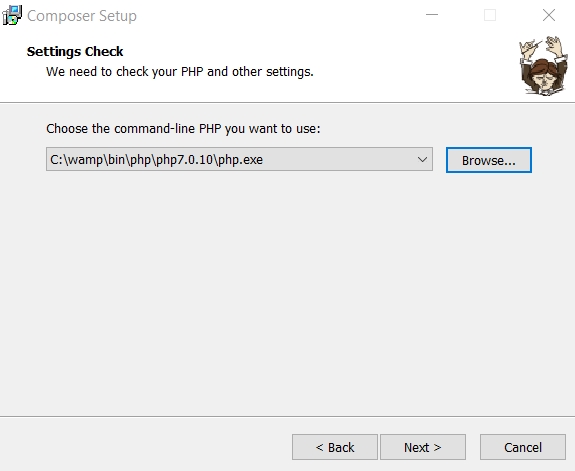
Browse to C:\wamp\bin\php\php7.0.10\php.exe.
## 2. Select your version of PHP in WAMP
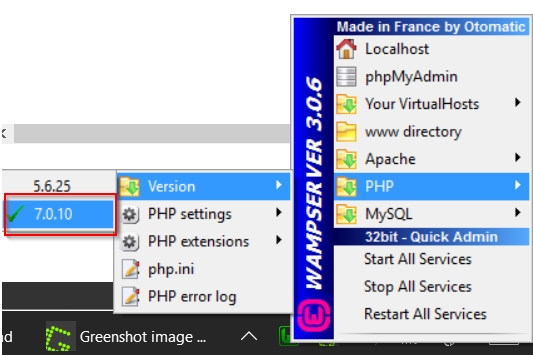
Select PHP 7+
## 3. Set up your database
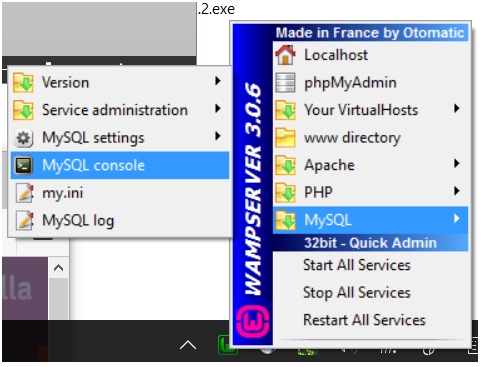
Open your MySQL console:
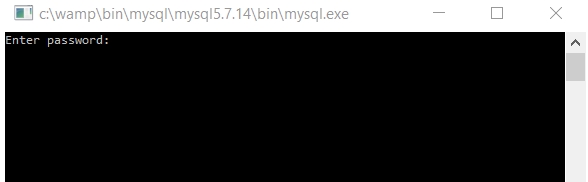
Press enter for default password, or enter your master MySQL password if you changed it to something else previously.
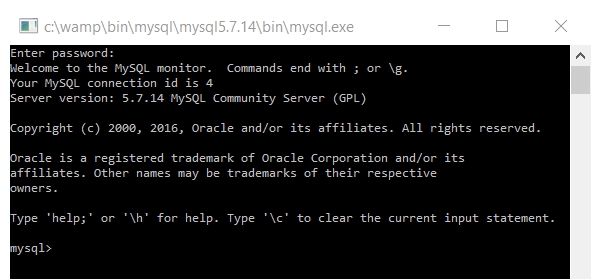
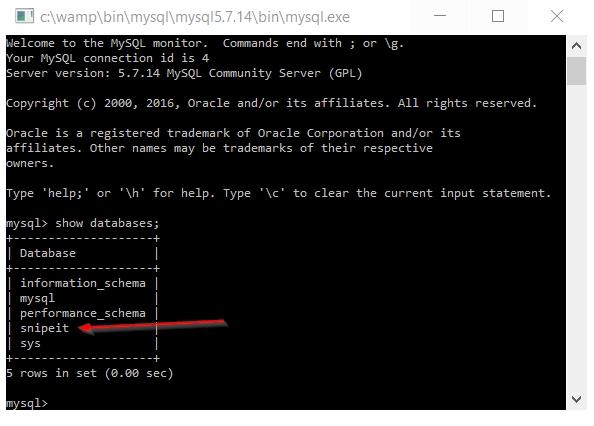
Run the following commands to create and verify database:
```shell
create database snipeit;
show databases;
```
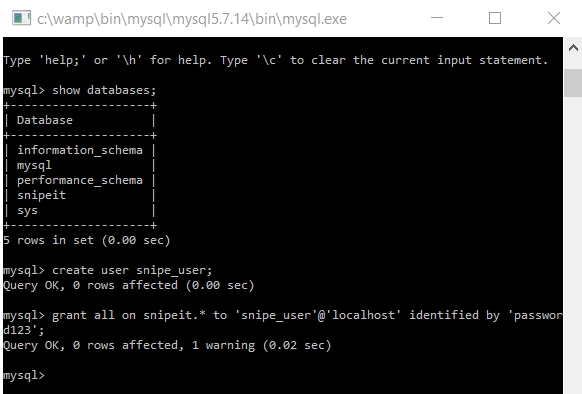
Create a database user and grant access to your new snipeit database:
```shell
create user snipe_user;
grant all on snipeit.* to 'snipe_user'@'localhost' identified by 'password123';
```
(Change `password123` in the example above to something more secure, please.)
## 4. Extract and configure Snipe-IT and run composer
Download and exact Snipe-IT to c:\wamp\www\snipe-it.
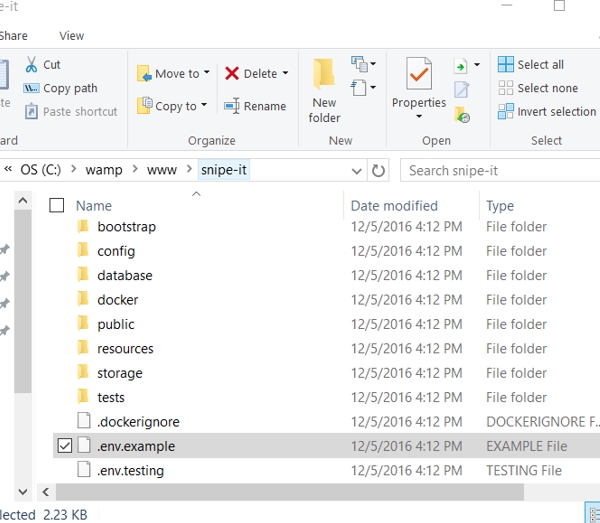
Edit `.env.example`
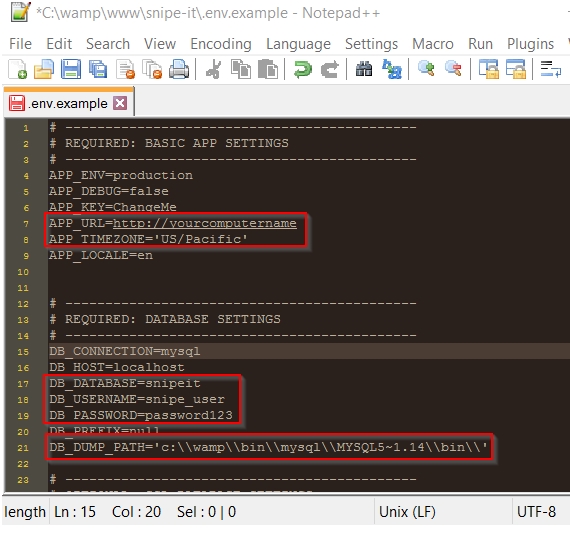
See the [Configuration](https://snipe-it.readme.io/docs/configuration) options for more information on how to configure your Snipe-IT installation.
Save your edited `env.example` as `.env`
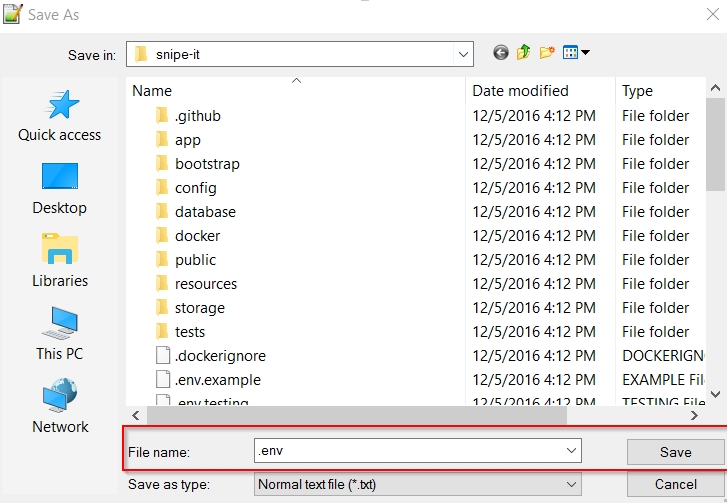
Open command prompt then change directory to `c:\wamp\www\snipe-it\`. Then run:
```
# Install Snipe-IT dependencies
$ composer install --no-dev --prefer-source
```
## 5. Generate your app key
Run:
```text
# Generate an app_key
$ php artisan key:generate
```
This will update the app key in your `.env` file:
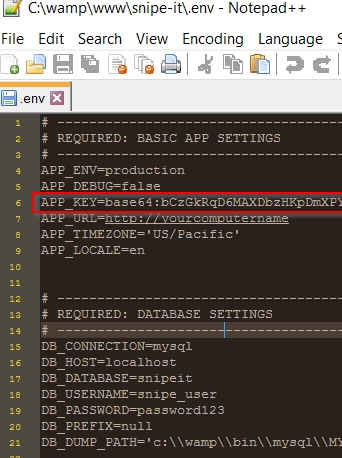
> ❗️ IMPORTANT
>
> Be sure to keep this app key in a safe place, as it is necessary for decrypting any encrypted fields you might add.
## 6. Update your virtual host settings
Edit \`httpd.conf. Remember to the change to whatever address you wish to access Snipe-IT by. (These values are case-sensitive.)
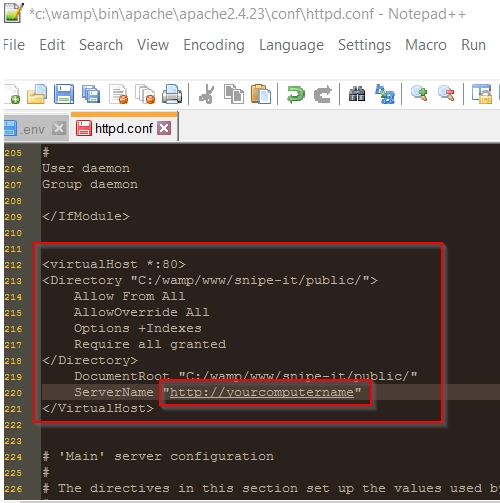
Then restart WAMP:
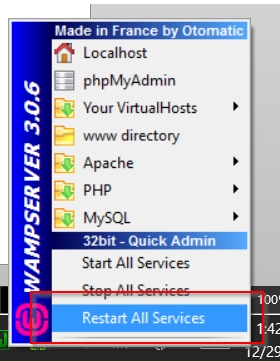
Then browse to the address you set up in httpd.conf, and you should see the [Pre-Flight & Setup](https://snipe-it.readme.io/docs/pre-flight-setup) screen. Follow the on-screen instructions, and you're all set.