
Asset Tags
Asset tags are the unique identifier of an asset within the Snipe-IT system. No two assets can have the same asset tag - which makes sense, since that could get really confusing.
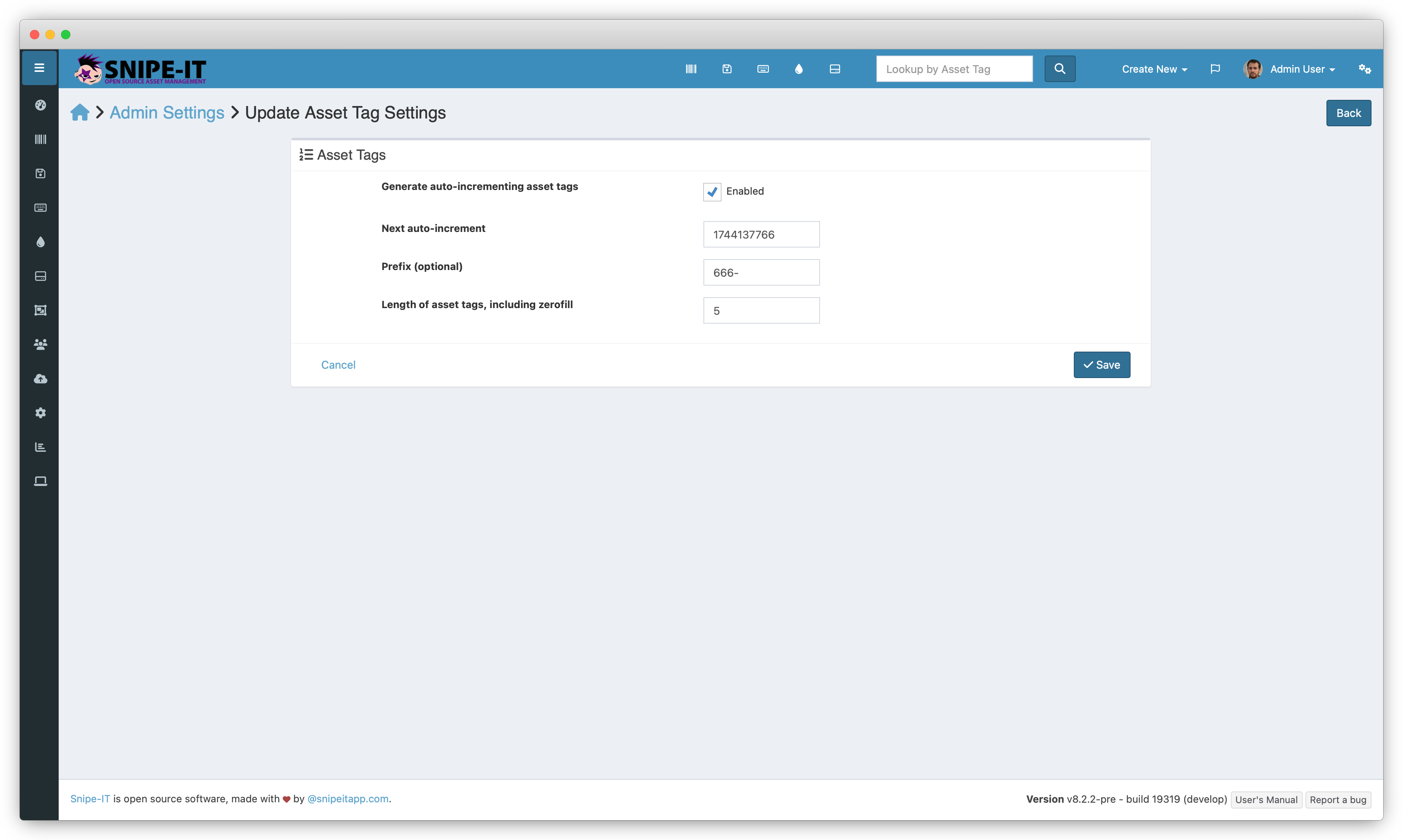
Generate Auto-Incrementing IDs
If this is selected, Snipe-IT will pre-populate the Create Asset form with the next logical asset tag.
Next auto-increment
This can be useful if your normal incrementing is behaving strangely because you accidentally imported an asset (or several) that have non-numeric asset tags, while you normally use numeric incrementing tags. Since alphanumeric asset tags will inherently not be parsable as numbers, the auto-incrementer can get confused and inflate the next auto-increment value.
Prefix (optional)
If your asset tags should have a prefix, enter it here.
Length of Asset Tags
This setting will standardize the length of the asset tag using a zerofill, for example, asset tag 123 will become 000000123 if you had 9 set here.
This helps prevent some sorting issues when sorting by asset tag, since the database otherwise doesn't know how to logically sort tags that have a mix of numbers and letters of varying lengths.
Note that changing this value will not update existing asset tags to reflect the new length.
Updated 6 months ago